 Ekasjot_Singh
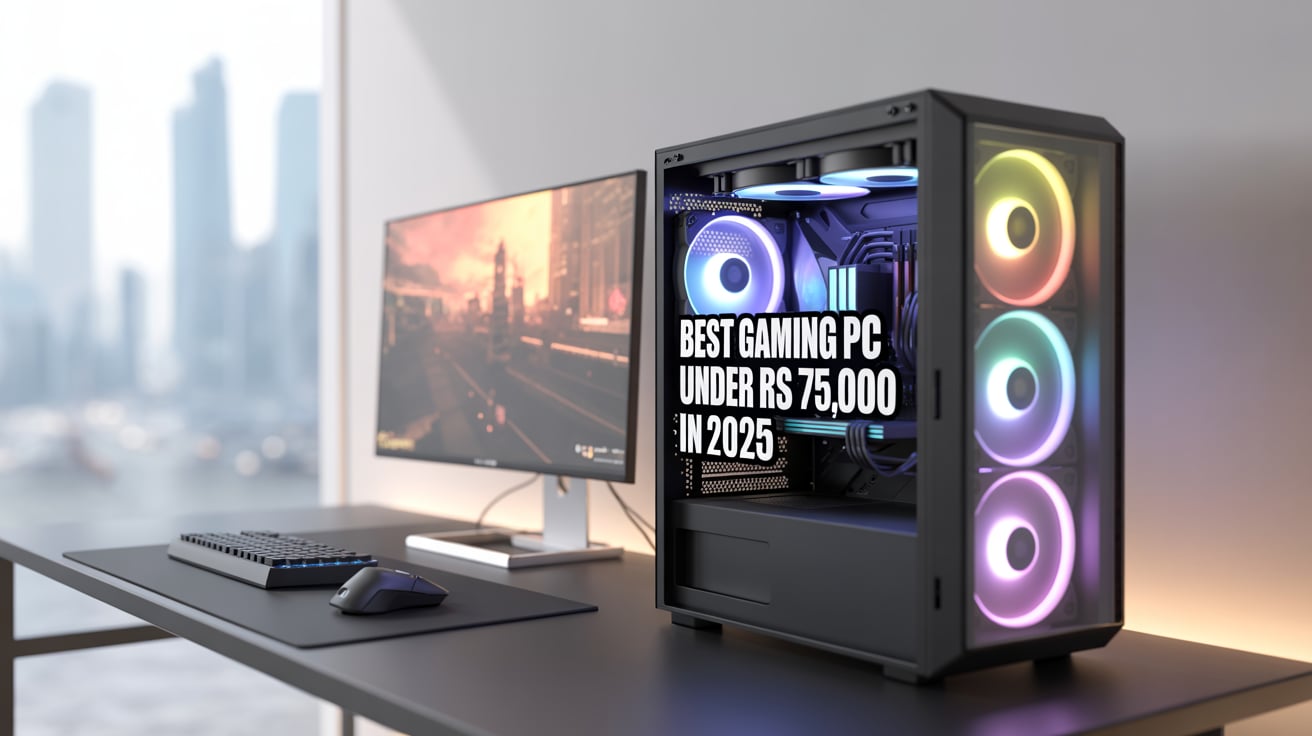
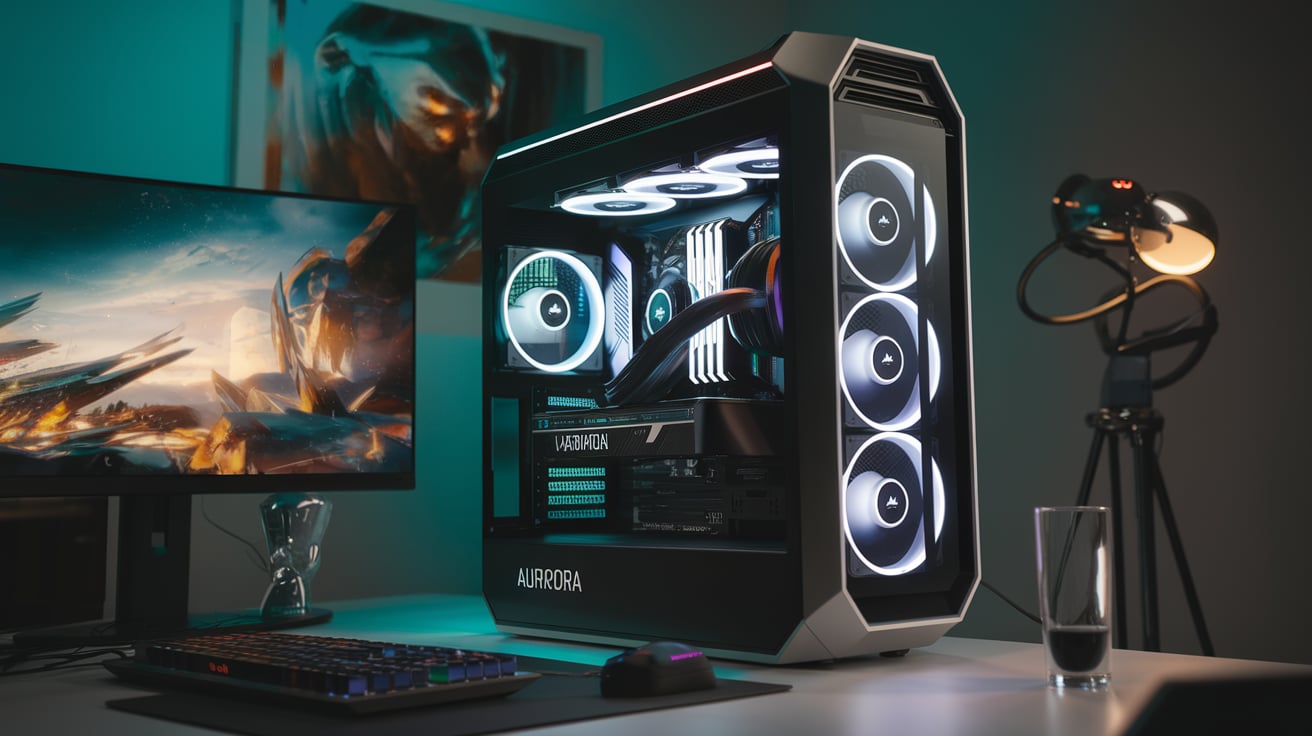
Gaming has become one of the most exciting forms of entertainment today. Whether you enjoy fast-paced shooters like Call of Duty or detailed open-world adventures like Grand Theft Auto, a powerful gaming PC can provide a smooth, immersive experience. But many people believe that building a great gaming PC requires a huge budget.
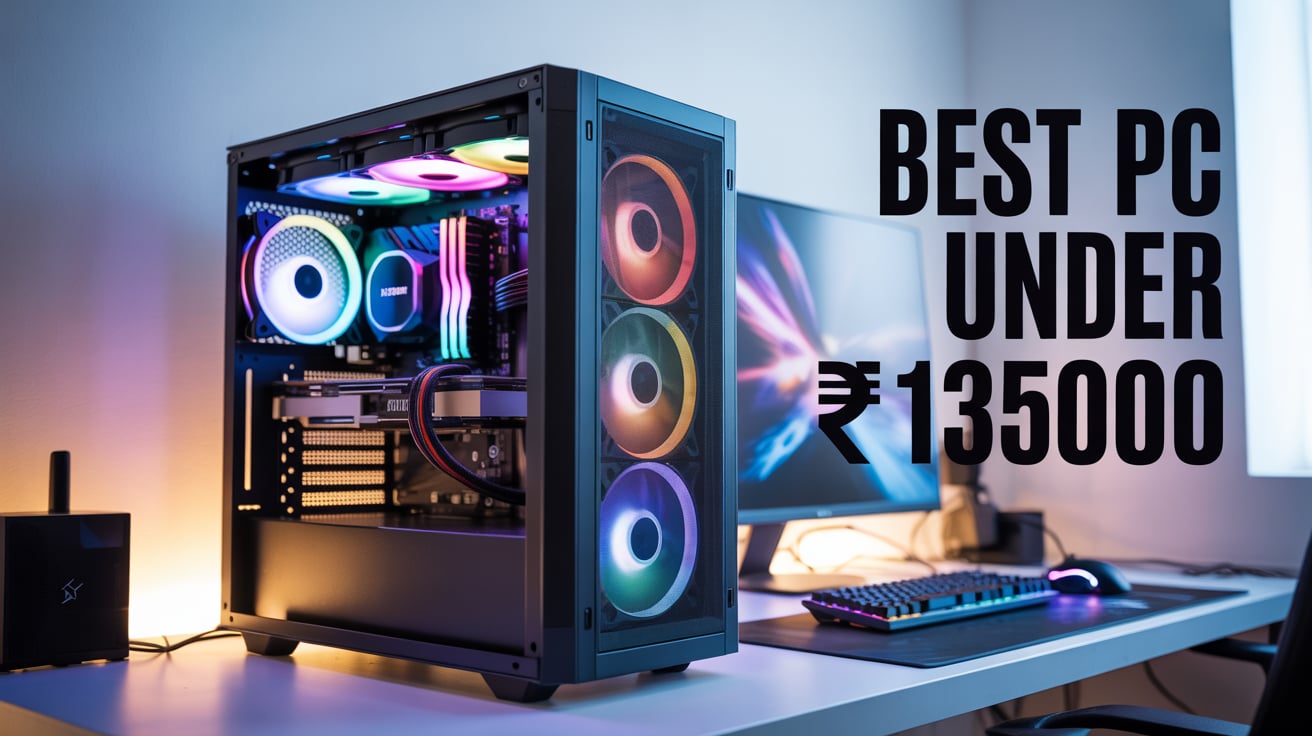
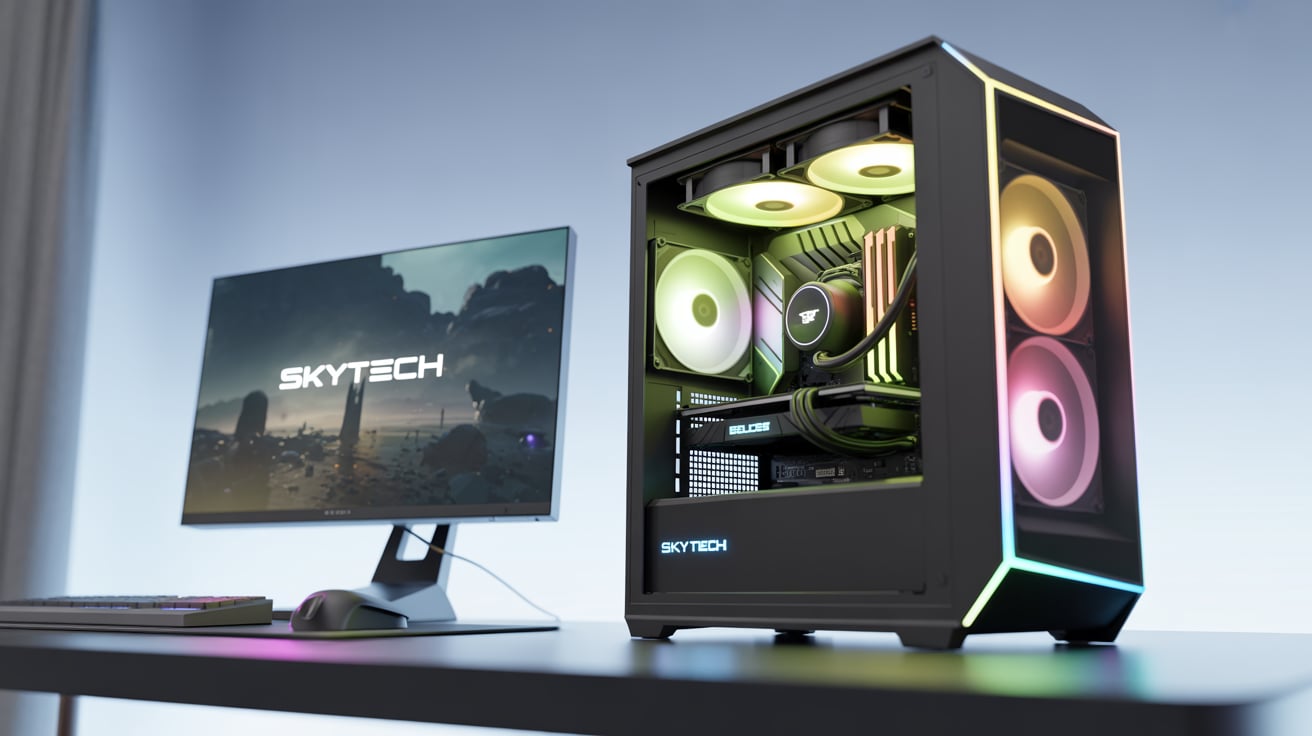
The good news? You can build a high-end gaming PC in 2025 under ₹150,000 in India that can easily handle the latest AAA games, high frame rates, streaming, and even video editing. This guide will show you how.
We will discuss each part of the PC, including the processor, graphics card, motherboard, RAM, SSD, power supply, and more. The aim is to provide the best performance for your money.
Let’s get started!
Why Build Your Own Gaming PC?
Before we look at the parts, here are some reasons why building your own gaming PC is better than buying a prebuilt one:
- Better Performance for the Price: Prebuilt PCs often include cheaper parts or charge extra for building.
- Customization: You can choose exactly what you need — RGB lighting, airflow, or future upgrade options.
- Learn New Skills: You’ll understand your system better and can troubleshoot or upgrade easily later.
- Future-Proof: You can plan upgrades ahead of time for more performance.
Budget Breakdown – ₹150,000 Target
Here’s how we’ll divide the ₹150,000 budget:
Component | Approx. Budget (₹) |
CPU (Processor) | ₹22,000 |
GPU (Graphics Card) | ₹50,000 |
Motherboard | ₹15,000 |
RAM (Memory) | ₹8,000 |
Storage (SSD) | ₹6,000 |
Power Supply (PSU) | ₹5,000 |
Cabinet (Case) | ₹4,000 |
CPU Cooler (if needed) | ₹3,000 |
Monitor | ₹18,000 |
Keyboard + Mouse | ₹4,000 |
Total | ₹135,000–₹145,000 |
You can also reserve ₹5,000–₹10,000 for extra accessories like Wi-Fi cards, RGB fans, or better audio peripherals.
Part-by-Part Guide to Build the Best Gaming PC Under ₹1.5 Lakh
Processor (CPU)
Best Choice: AMD Ryzen 5 7600 / Intel Core i5-13400F
- AMD Ryzen 5 7600
- 6 cores, 12 threads
- 5.1 GHz boost clock
- Very energy-efficient
- Excellent for gaming and streaming
OR
- Intel Core i5-13400F
- 10 cores (6P+4E), 16 threads
- Great multi-tasking performance
- Slightly better for productivity
Price: ₹20,000–₹23,000
Why? These CPUs offer strong gaming performance for mid-high settings and are future-proof for at least the next 4–5 years.
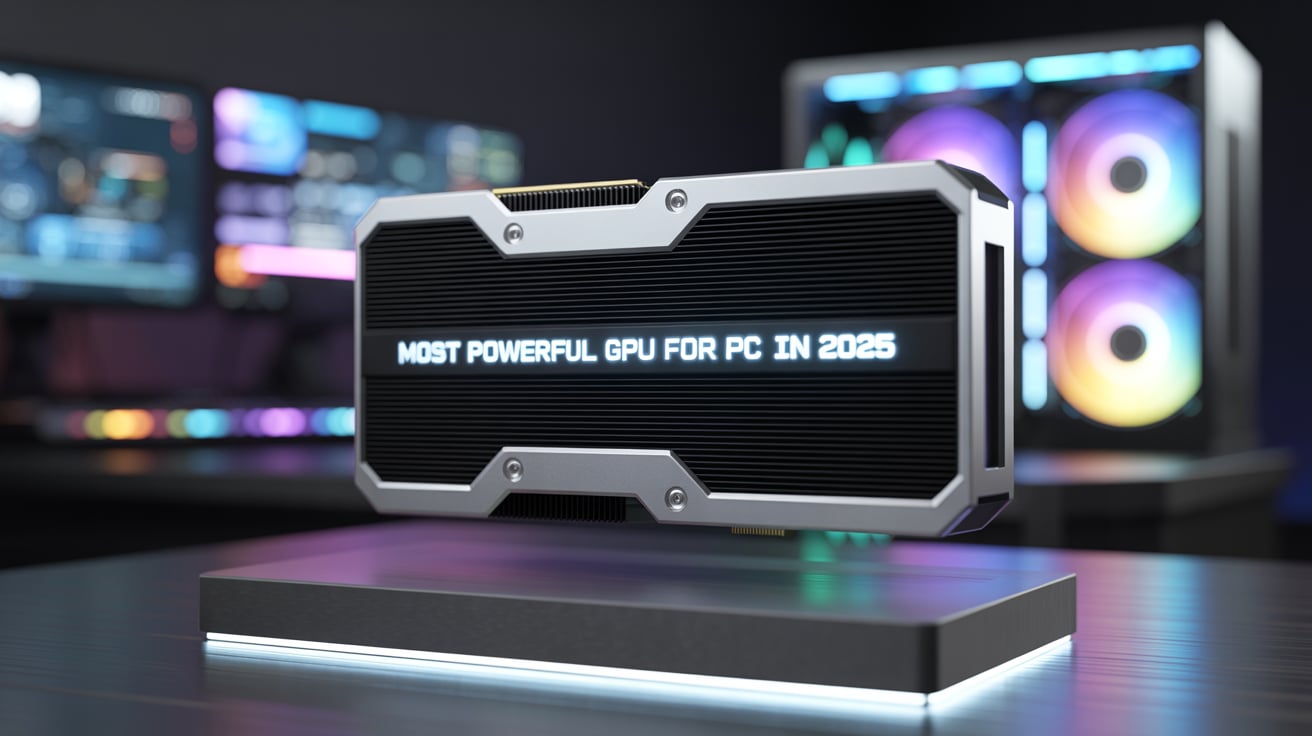
Graphics Card (GPU)
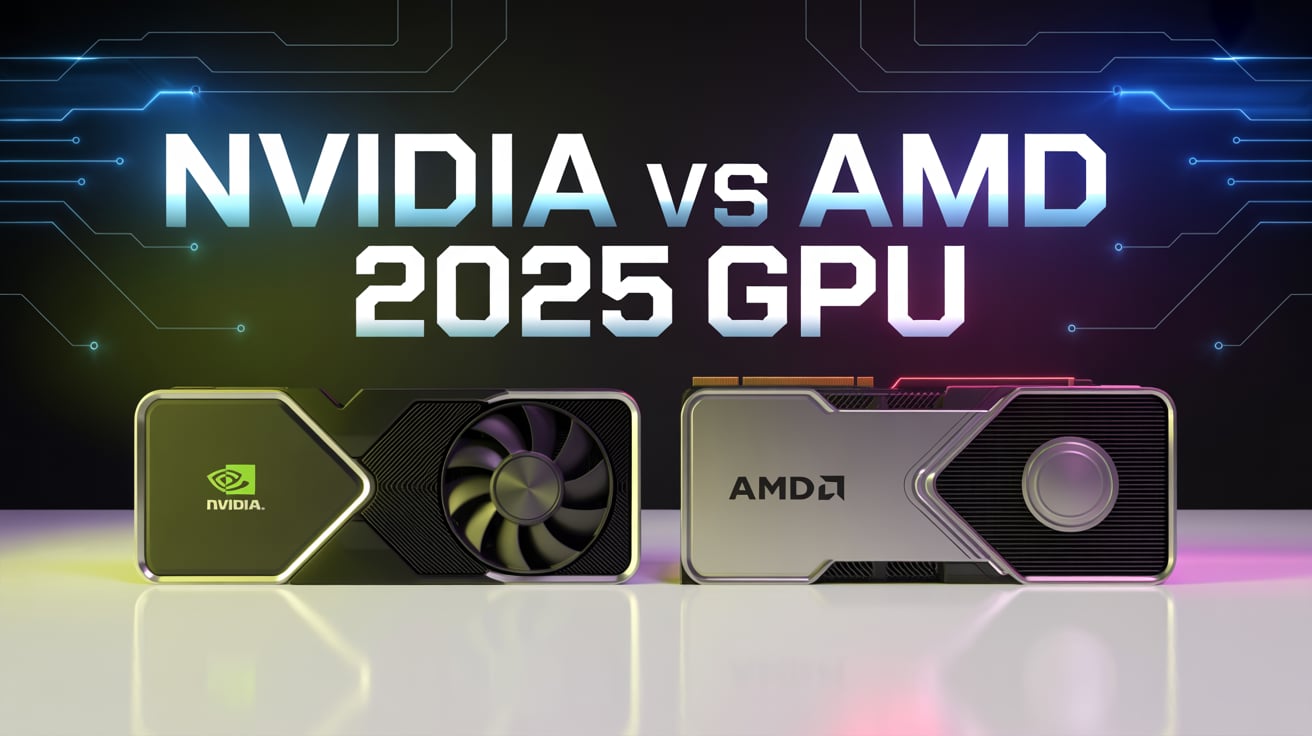
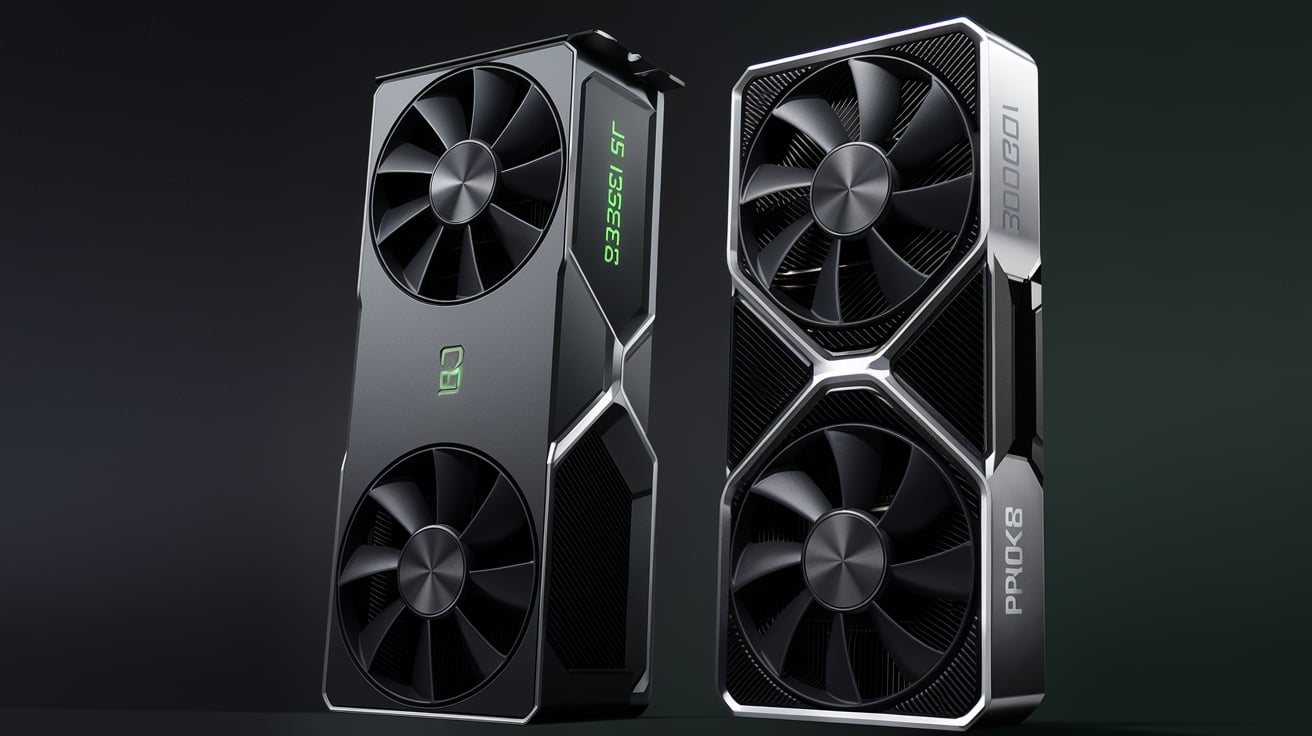
Best Choice: NVIDIA RTX 4060 Ti 8GB / AMD Radeon RX 6750 XT
- NVIDIA RTX 4060 Ti
- Great for 1080p ultra / 1440p high gaming
- DLSS 3 and ray tracing support
- Excellent power efficiency
OR
- AMD RX 6750 XT
- Faster raw performance than RTX 4060 Ti
- Good for 1440p gaming
- More VRAM (12GB)
Price: ₹48,000–₹55,000
Why? These cards are perfect for AAA titles at ultra settings and provide smooth gameplay with high FPS.
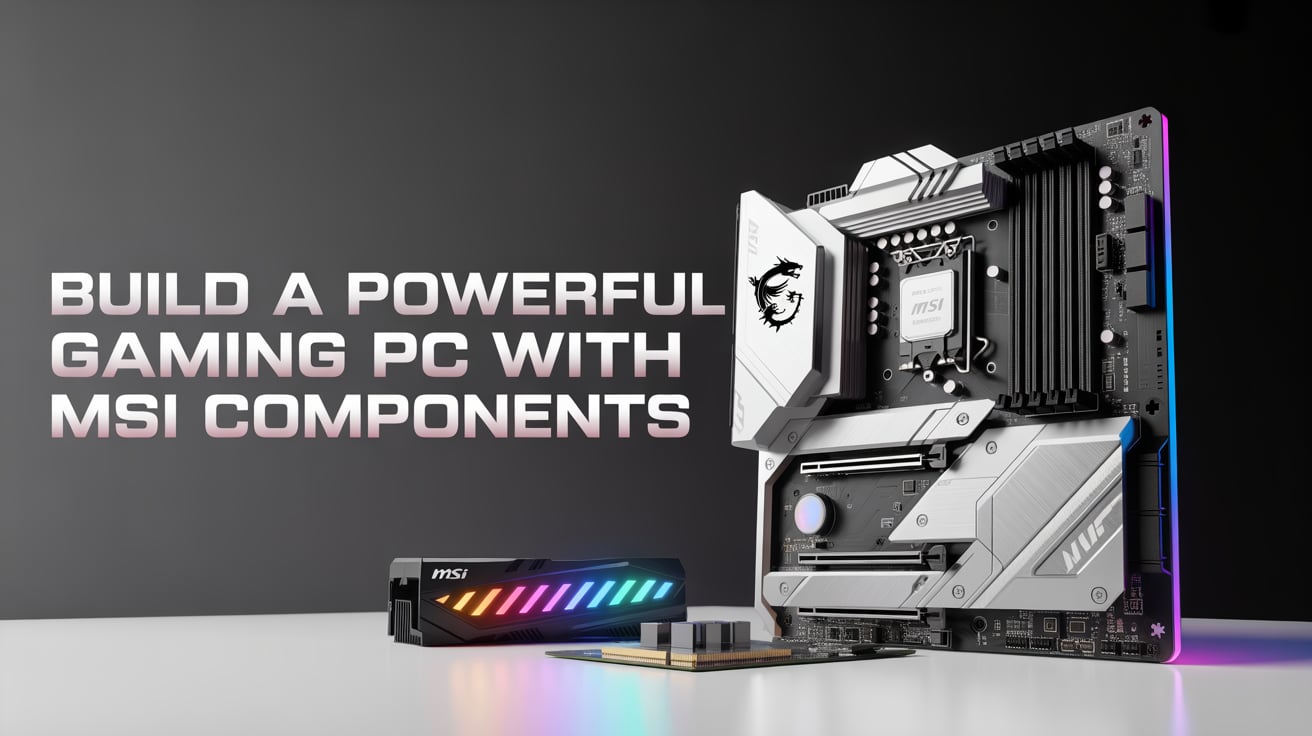
Motherboard
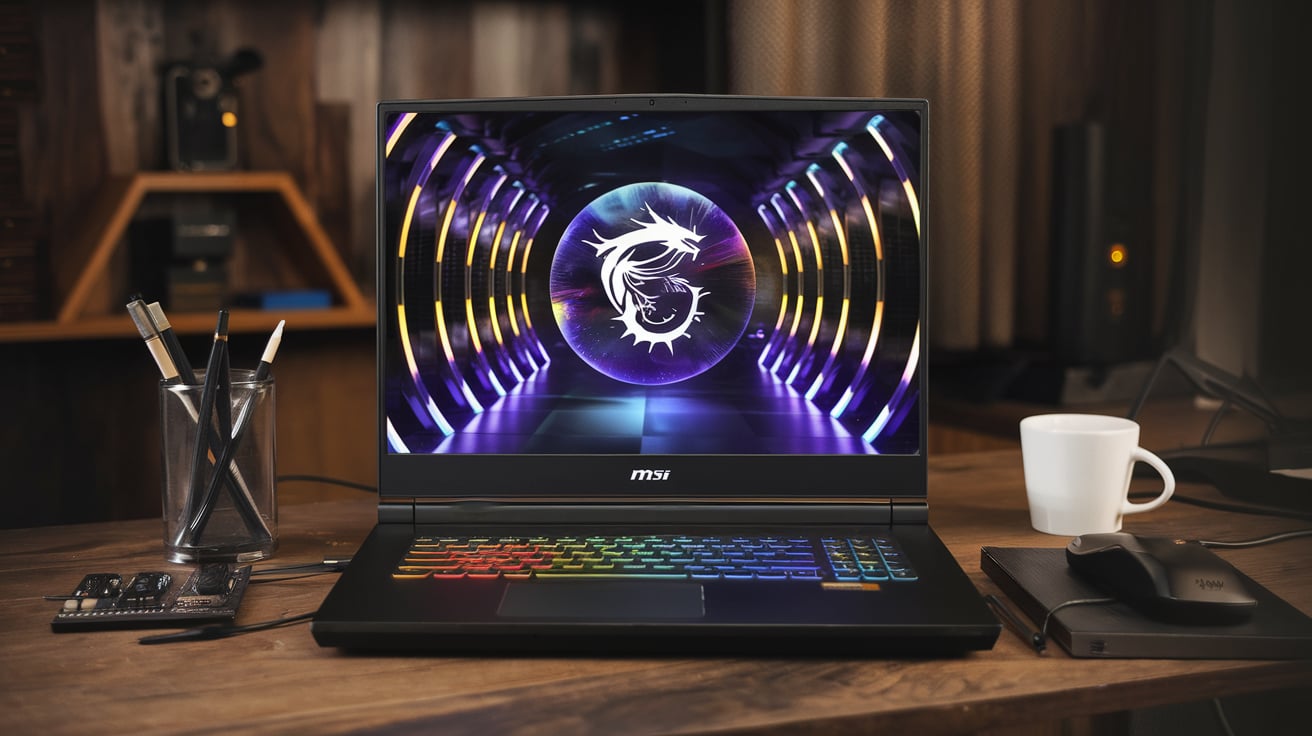
Best Choice: MSI B650M PRO-VDH WIFI (for AMD) / MSI PRO B660M-A DDR4 (for Intel)
- Supports latest CPUs
- 4 RAM slots (future upgrade)
- M.2 NVMe SSD support
- Good VRMs for stability
- Inbuilt Wi-Fi and Bluetooth (in some models)
Price: ₹13,000–₹15,000
Why? Reliable boards with modern features and support for PCIe 4.0.
RAM (Memory)
Best Choice: Corsair Vengeance 16GB (2x8GB) DDR5 5600MHz / DDR4 3200MHz
- Dual-channel RAM = better performance
- Fast speeds for modern games
- Future upgradable to 32GB
Price: ₹7,000–₹8,000
Why? 16GB is the sweet spot for gaming and streaming. Fast RAM helps with game loading and multitasking.
Storage (SSD)
Best Choice: WD Black SN770 1TB M.2 NVMe Gen4 SSD
- Superfast read/write speed (5000MB/s+)
- Boot Windows and load games in seconds
- 1TB is enough for multiple AAA titles
Price: ₹6,000–₹6,500
Why? NVMe SSD drastically reduces game and system loading times.
Power Supply Unit (PSU)
Best Choice: Cooler Master MWE 650W 80+ Bronze
- Reliable 650W output
- 80+ Bronze certification
- Sufficient for GPU + CPU with headroom
Price: ₹4,000–₹5,000
Why? A good PSU ensures stability and safety for your components.
Cabinet (Case)
Best Choice: Ant Esports ICE 511MT / Cooler Master CMP 320
- Good airflow
- Tempered glass side panel
- Comes with pre-installed fans
- Supports ATX/MATX boards
Price: ₹3,500–₹4,500
Why? A spacious cabinet with proper airflow keeps your PC cool and looks good too!
CPU Cooler (If Needed)
Stock cooler vs aftermarket
- Ryzen 5 7600 comes with Wraith Stealth (can manage thermals but not ideal for overclocking).
- If you’re planning long gaming hours, consider a DeepCool AK400 or Cooler Master Hyper 212 Black Edition.
Price: ₹2,500–₹3,000
Why? Keeps your CPU cool and quiet, and improves lifespan.
Monitor
Best Choice: LG Ultragear 24GN60R / Acer Nitro VG240YS
- 24-inch Full HD IPS
- 144Hz refresh rate
- 1ms response time
- FreeSync / G-Sync support
Price: ₹14,000–₹18,000
Why? A high refresh rate monitor makes gameplay ultra-smooth and improves reaction times.
Keyboard + Mouse Combo
Best Choice: Redragon K552 Mechanical Keyboard + Logitech G402 Mouse
- Tactile feedback (keyboard)
- Fast DPI switch (mouse)
- Long-lasting build quality
Price: ₹3,000–₹4,000
Why? Great performance in gaming, especially FPS and action games
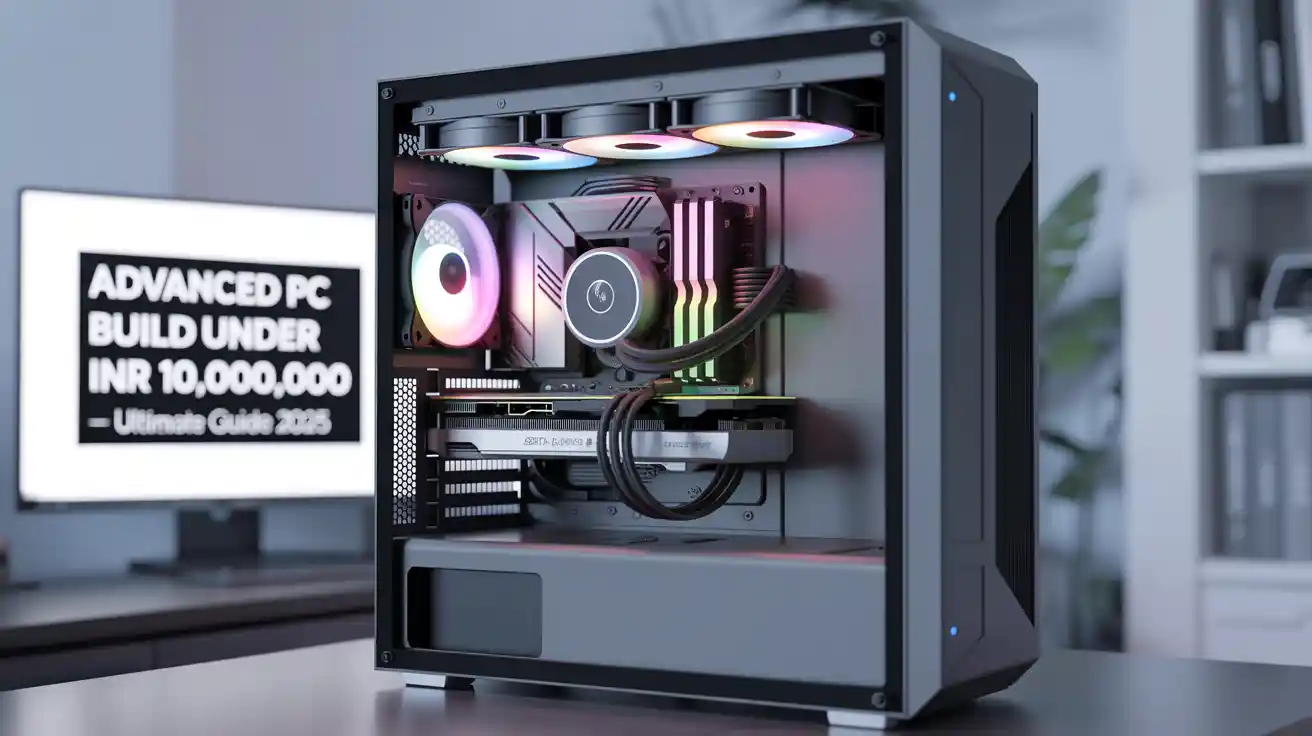
Assembling the Gaming PC – Simple Tips
- Handle parts with care and avoid static damage.
- Always check motherboard compatibility (CPU socket, RAM type).
- Plug in CPU fan and front panel connectors carefully.
- Use cable management for airflow.
- Update BIOS and install latest drivers after OS setup.
Performance Benchmarks (Estimated FPS)
Game (1080p Ultra) | RTX 4060 Ti (FPS) | RX 6750 XT (FPS) |
Cyberpunk 2077 | 70–80 (DLSS On) | 85–95 |
GTA V | 120+ | 130+ |
Valorant | 250+ | 270+ |
Call of Duty: Warzone | 100–120 | 110–130 |
Assassin’s Creed Valhalla | 70–80 | 75–90 |
Fortnite (Epic Settings) | 140+ | 150+ |
Upgrade Paths in the Future
Your build is future-proof, but here’s how you can upgrade it further down the line:
- RAM: Upgrade to 32GB if you plan to stream or edit videos.
- GPU: Switch to RTX 4070 Super or RX 7800 XT in future.
- Storage: Add an extra 2TB HDD or another NVMe SSD.
- Cooling: Add AIO cooler for better thermals if overclocking.
- Monitor: Upgrade to 1440p or ultrawide for immersive experience.
Where to Buy?
You can buy parts from:
- Amazon India
- MDComputers.in
- PrimeABGB
- TheITDepot
- Local Computer Stores
Look for deals, combo offers, and bank discounts to save money.
Tips to Save Money
- Buy used parts from trusted sellers (only GPU or case recommended).
- Wait for sales like Amazon Great Indian Festival.
- Skip RGB fans if not needed.
- Don’t overspend on fancy keyboards early on.
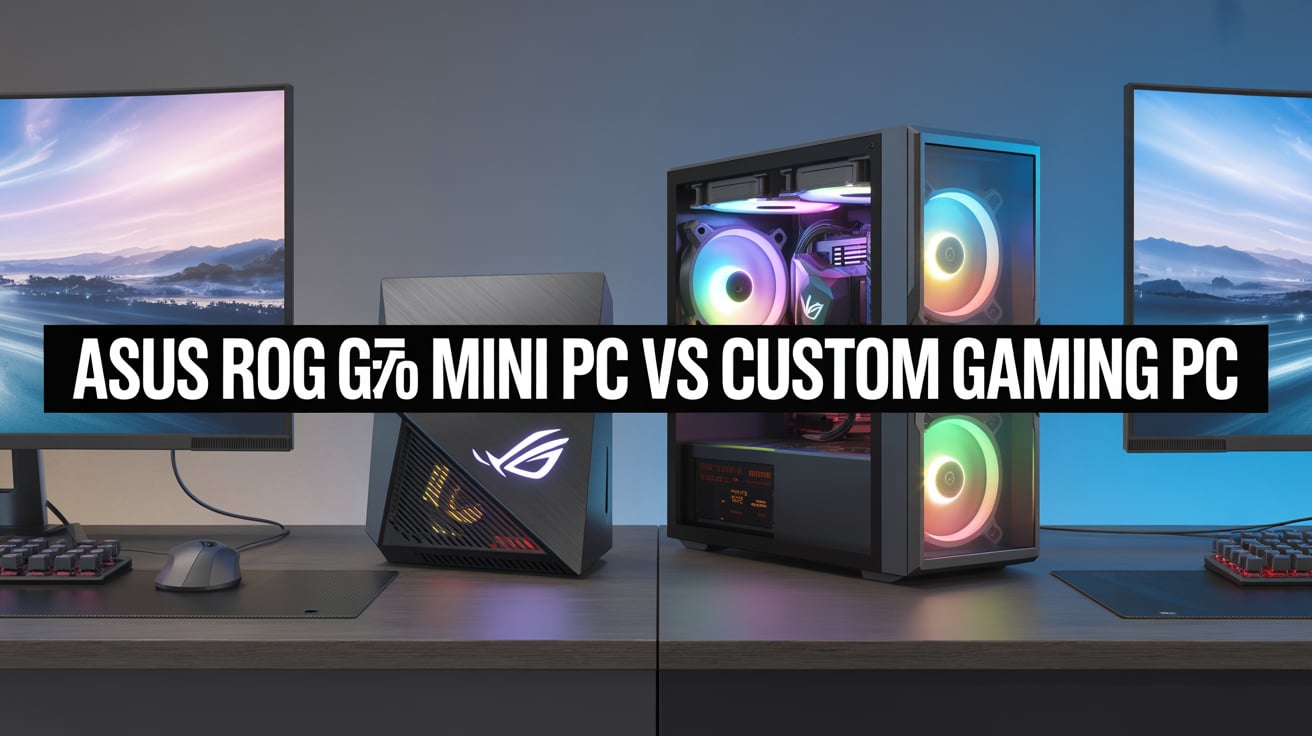
Prebuilt vs Custom PC
Feature | Prebuilt PC | Custom PC |
Price | More expensive | Cost-effective |
Upgradability | Limited in some models | Fully upgradable |
Performance | Often has lower-end parts | Best-in-class for price |
Learning | Plug and play | Learn to assemble/setup |
Final Words – Is ₹150,000 Enough?
Absolutely! With ₹1.5 lakh, you can build a high-performance gaming PC in 2025 that can easily run the latest games, handle streaming, and even do heavy tasks like 3D rendering or editing. You will also enjoy smooth, lag-free gaming at 1080p and even 1440p resolutions.
This is the perfect budget for serious gamers, content creators, or casual players who want future-proof performance for the next 3–5 years.